DIY Web Design: Tips and Tools for Beginners


Getting Started with DIY Web Design
Embarking on a DIY web design journey can be both exciting and daunting. With the right approach and tools, however, beginners can create stunning websites without needing extensive technical knowledge. Whether you're looking to build a personal blog or a small business site, this guide will help you get started.
Understand Your Website’s Purpose
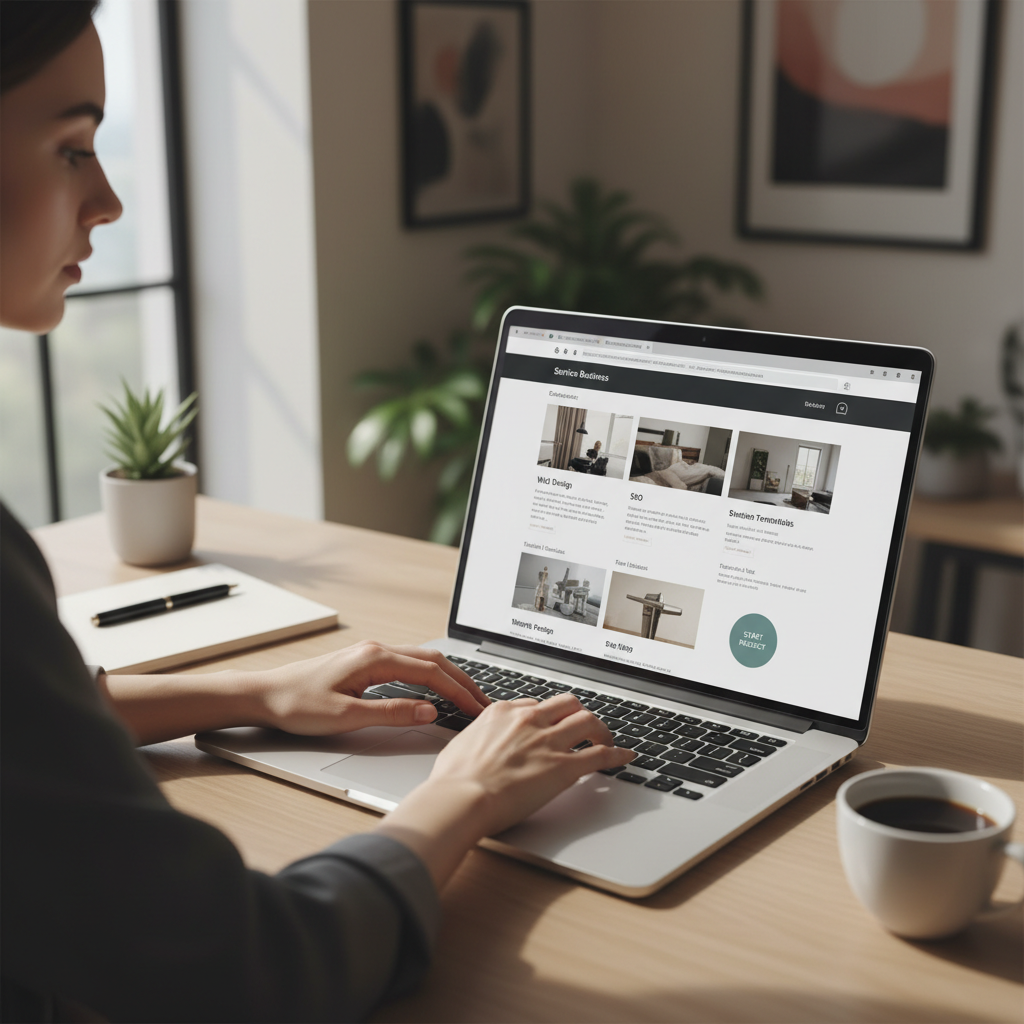
Before diving into design, it's crucial to understand the purpose of your website. Are you promoting a service, selling products, or sharing personal stories? Knowing your goals will guide your design choices and ensure your site meets the needs of your audience. Consider creating a simple site map to organize your thoughts and plan your website structure.
Choose the Right Platform
One of the first decisions you'll make is selecting a platform to build your site. Popular options for beginners include WordPress, Wix, and Squarespace. These platforms offer user-friendly interfaces and a variety of templates. Each has its pros and cons, so take the time to explore them and choose one that aligns with your needs and comfort level.

Essential Tools for DIY Web Design
To create a visually appealing website, you'll need some essential tools. Here are a few recommendations:
- Canva: Great for designing graphics and visuals.
- Google Fonts: Offers a wide range of fonts to enhance text design.
- ColorZilla: A browser extension to help you pick and match colors.
- Unsplash: Access to high-quality, free stock images.
Focus on User Experience
A great website is not just about aesthetics—it's about providing a seamless user experience. Ensure your site is easy to navigate with clear menus and intuitive layout. Pay attention to loading times, mobile responsiveness, and accessibility to cater to a broader audience. Remember, a well-designed website keeps visitors engaged and encourages them to return.
Testing and Launching Your Site
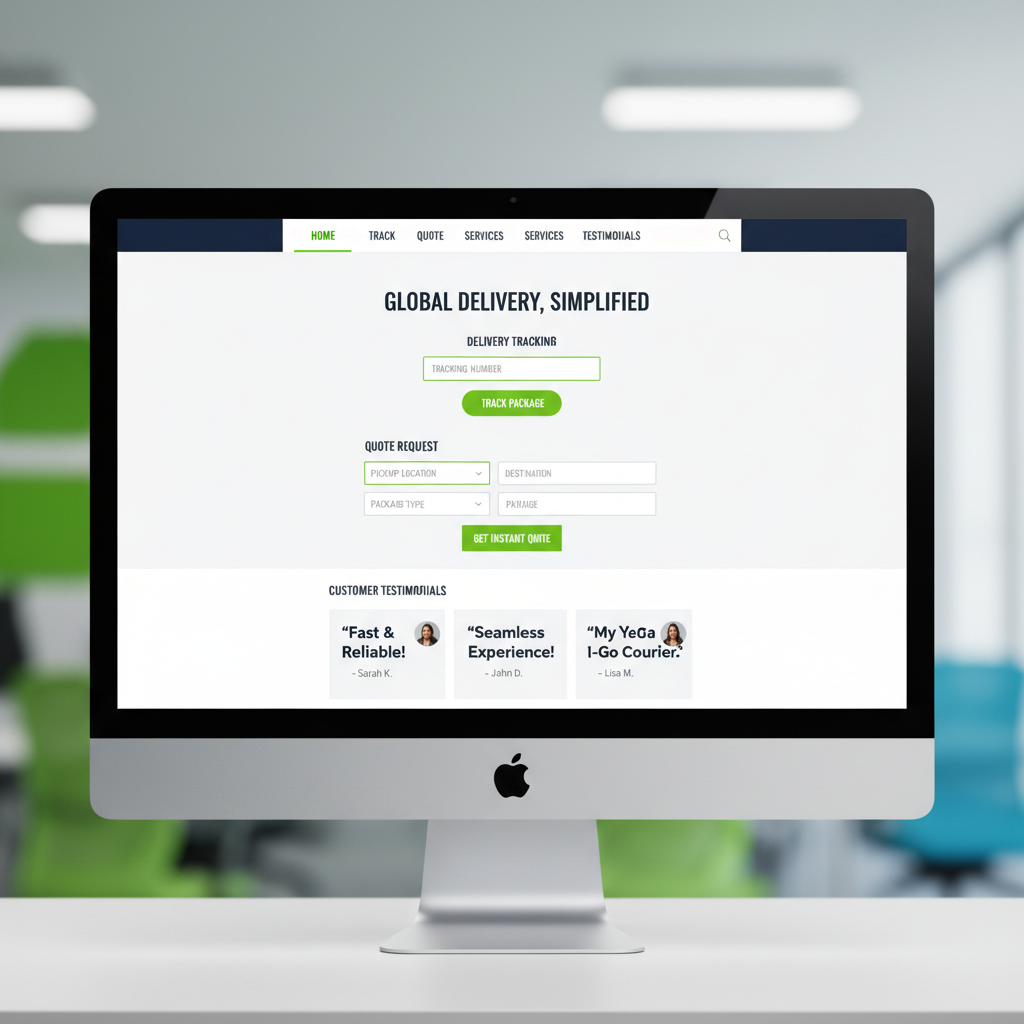
Before launching, thoroughly test your website. Check all links, forms, and interactive elements to ensure they work correctly. Preview your site on different devices and browsers to guarantee consistency. Once everything is in place, you're ready to launch and share your creation with the world.
Continuously Improve and Update
Your website is a dynamic entity that should evolve with your needs. Regularly updating content and design keeps your site fresh and relevant. Use analytics tools to understand visitor behavior and identify areas for improvement. Engage with your audience through feedback to make informed updates.
DIY web design is a rewarding endeavor that empowers you to bring your vision to life. With these tips and tools, you're well-equipped to create a website that not only looks great but also serves its purpose effectively.